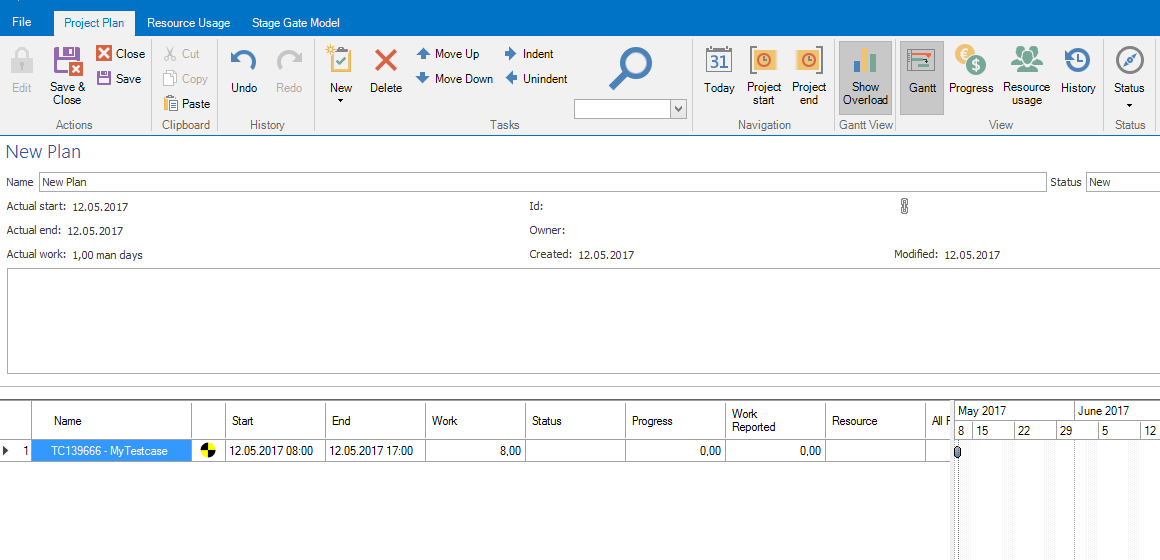
In aqua project plans are able to update automatically. This means, you can add aqua elements and synchronize them. When the element is set to specific status, e.g. closed, it will be set to finished in the project plan. In order to add a aqua element to a project plan, click the button. Then you can add an element via drag and drop from Navigation in main window. In the following screenshot you can see that a test case has been added to the project plan.
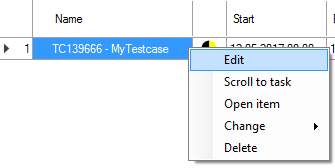
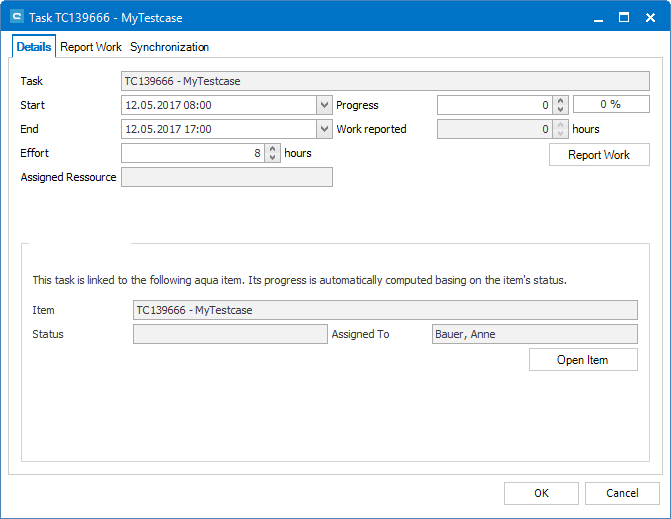
If the element's status should be set to finished automatically on a specific status, you can configure this by right-clicking it and select 'Edit'.
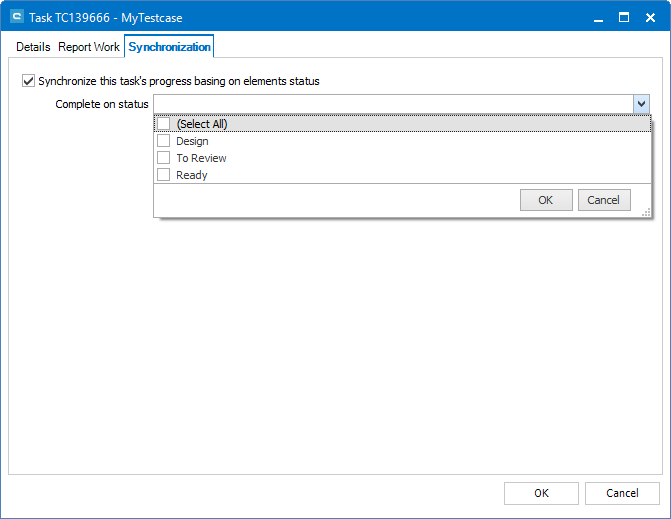
Now switch to tab 'Synchronization'. Here you can choose, which status defines completion of the element.
The element will now be updated automatically on the selected status.

 button. Then you can add an element via drag and drop from