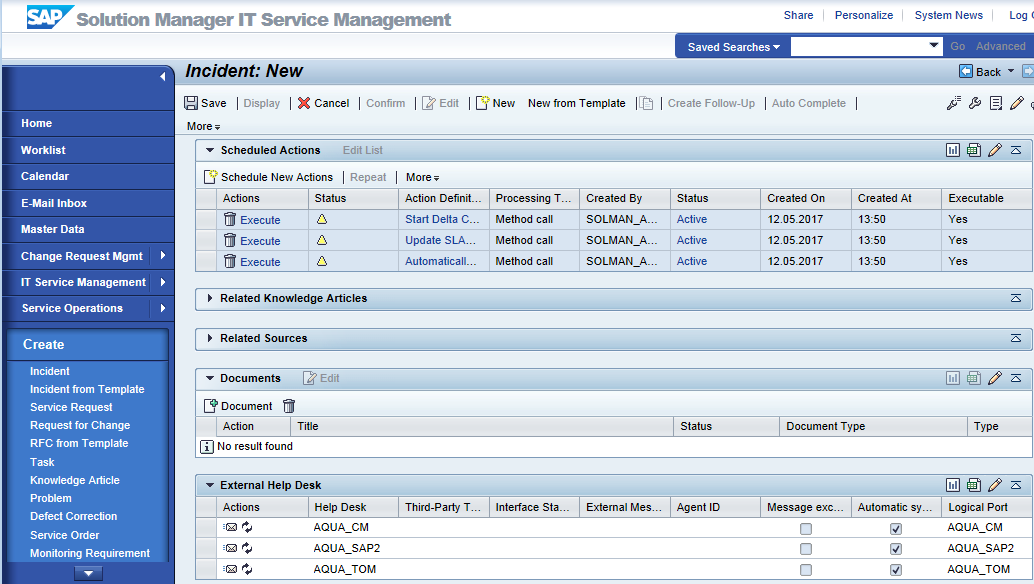
Sending a SAP Solution Manager incident to aqua
SAP Solution Manager incidents are not automatically sent to the external help desk (in our case aqua) by SAP Solution Manager, but must be sent to it manually. To configure automatic push, please take a look at this section. After opening the incident, proceed as follows:
-
Make sure that the External Help Desk section is visible. You can make it visible by clicking the pencil icon and move the External Help Desk to the Displayed Assignment Blocks.
-
Scroll to the External Help Desk section
-
Click on the small letter icon. This will synchronously send the incident to aqua. Afterwards, the corresponding defect should be visible in aqua.