Reporting
The reporting module of aqua Web can be used to display information about requirements, test cases, test scenarios or defects and their related items respectively. To show a report switch to 'Reporting' on the navigation bar. Select a report and click on  . A window will open where you can filter the data which will be shown in the report. Use filters you created in the grid or create new filters. Select which type of data should be shown. For performance reasons it is smart to include as less data as possible if it is not required.
. A window will open where you can filter the data which will be shown in the report. Use filters you created in the grid or create new filters. Select which type of data should be shown. For performance reasons it is smart to include as less data as possible if it is not required. 
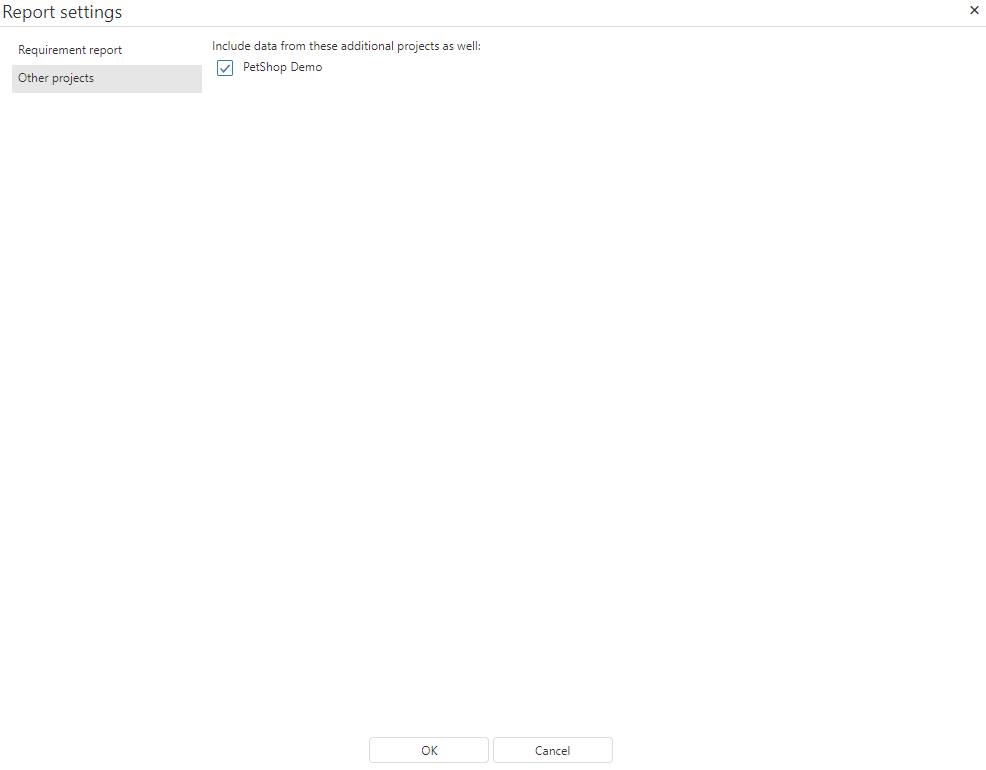
With aqua Web you have the possibility to create reports with the data of multiple projects which share a template. Select 'Other projects' in the report settings window and select all projects whose data you want to show.