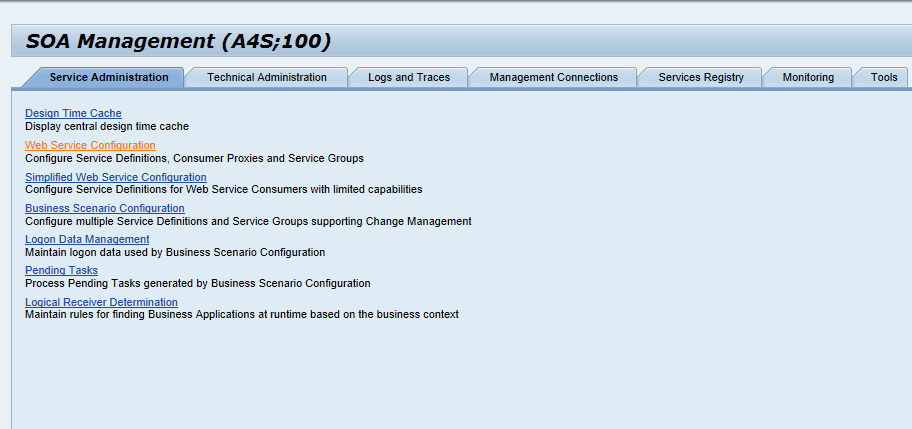
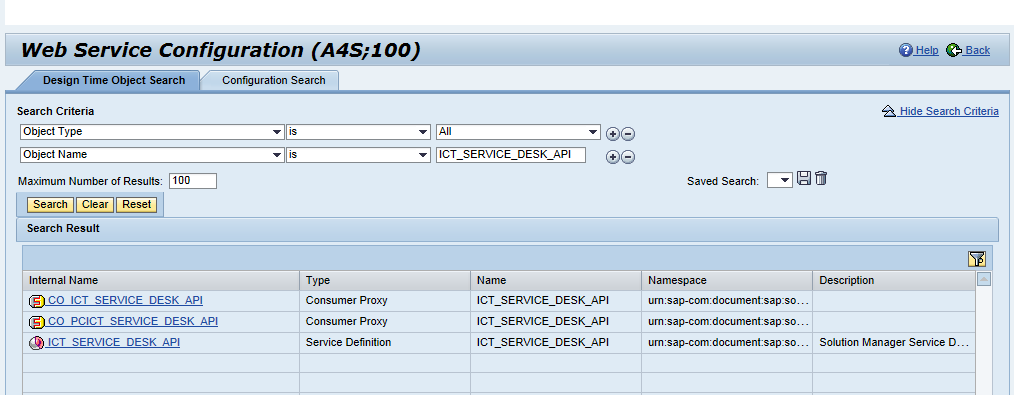
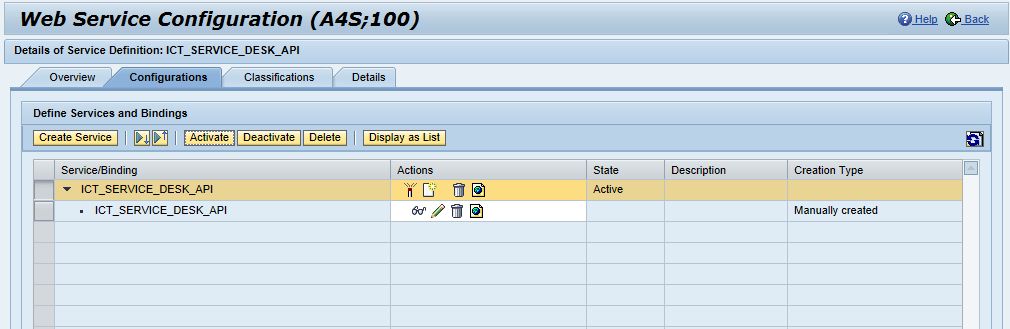
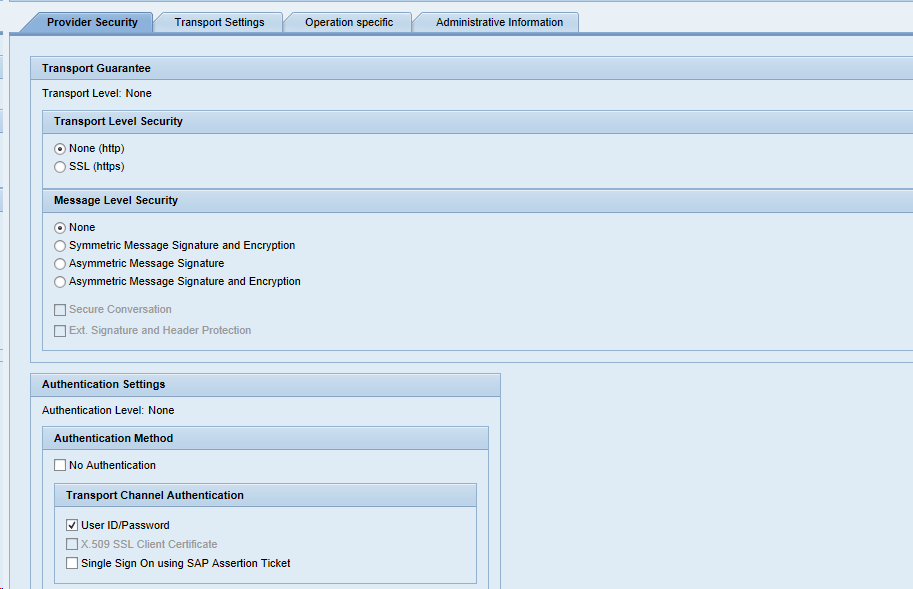
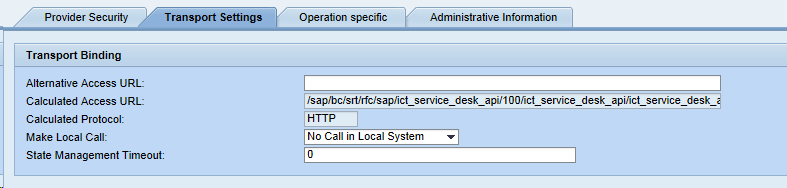
Activation of ICT_Service_Desk API
We recommend doing this by following the instructions in the SAP customization help.
-
Open SAP Logon and login to your SAP Solution Manager system
-
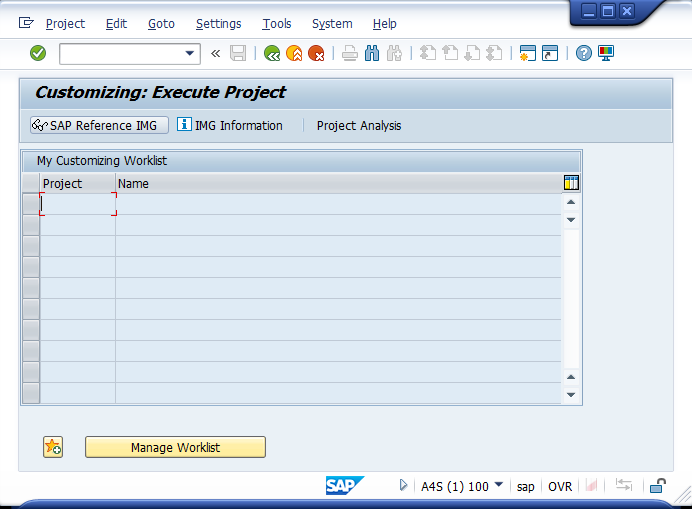
Open the transaction SPRO
-
Click on SAP Reference IMG
-
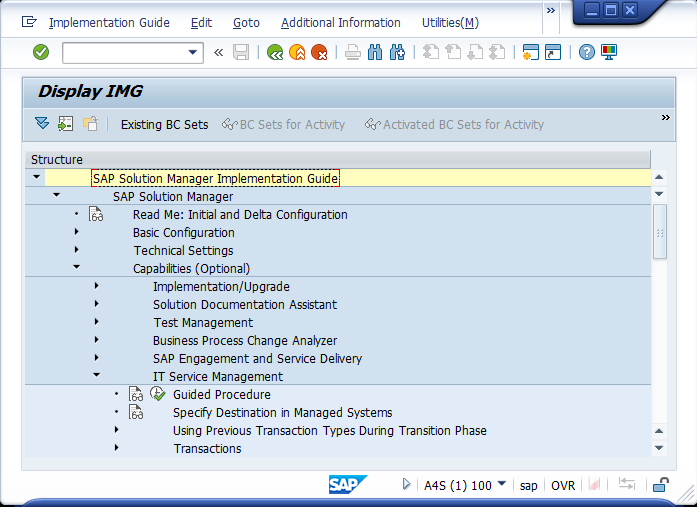
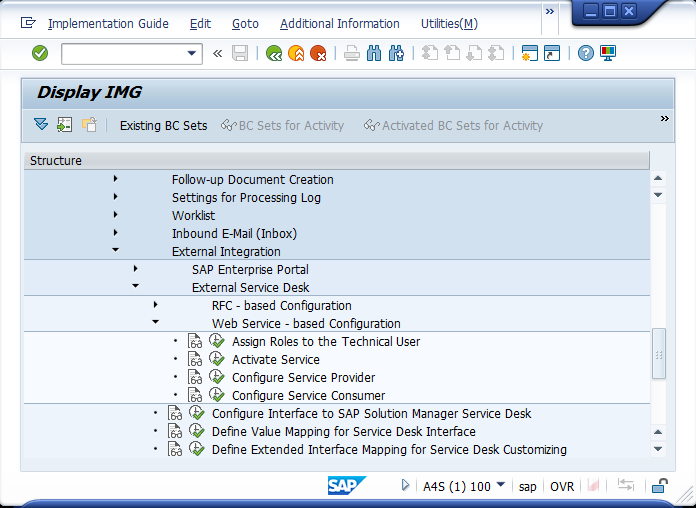
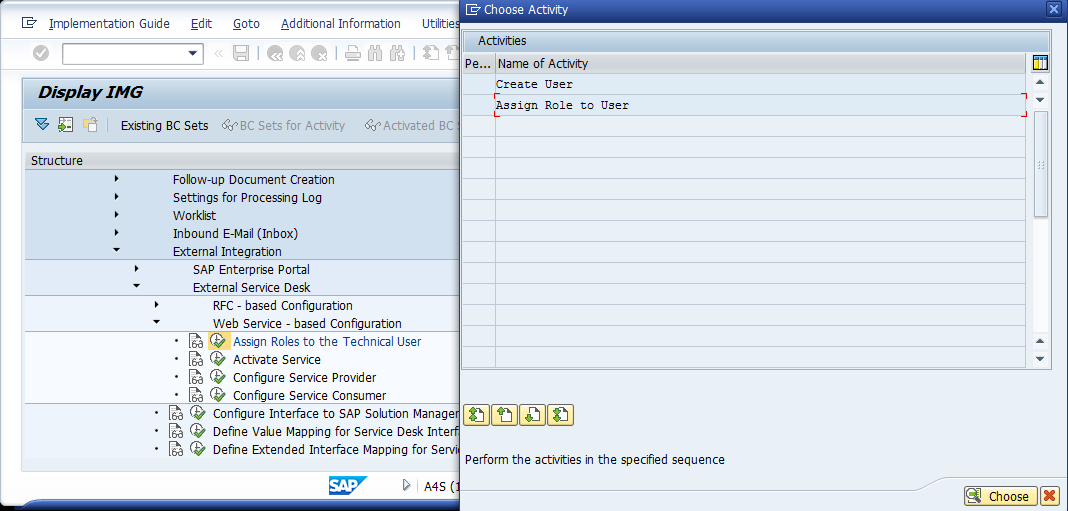
Navigate to SAP Solution Manager -> Capabilities (Optional) -> IT Service Management -> External Integration -> External Service Desk -> Web Service - based Configuration
-
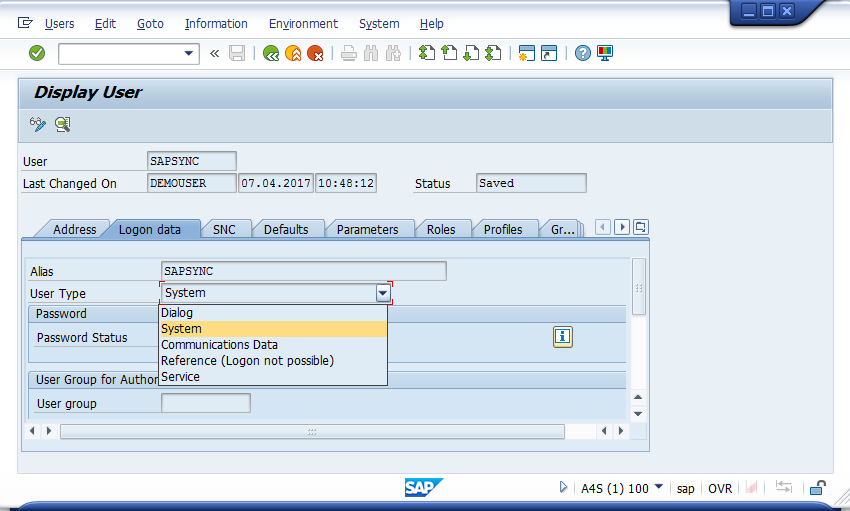
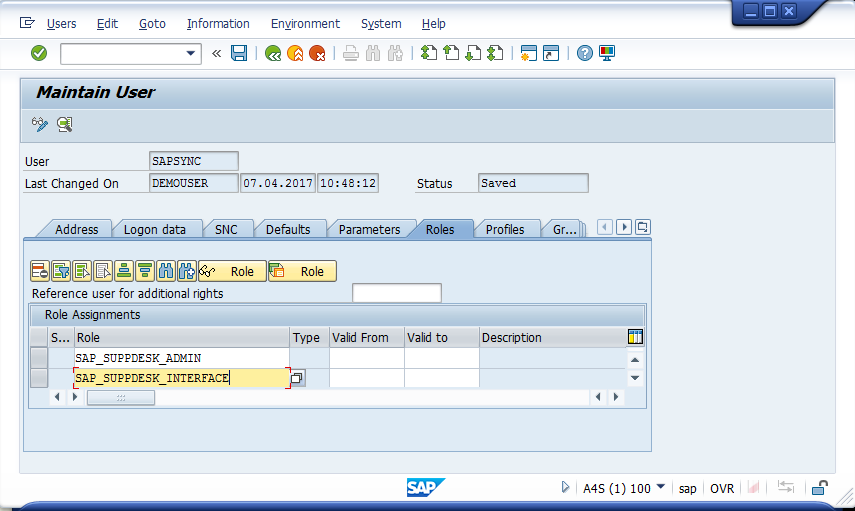
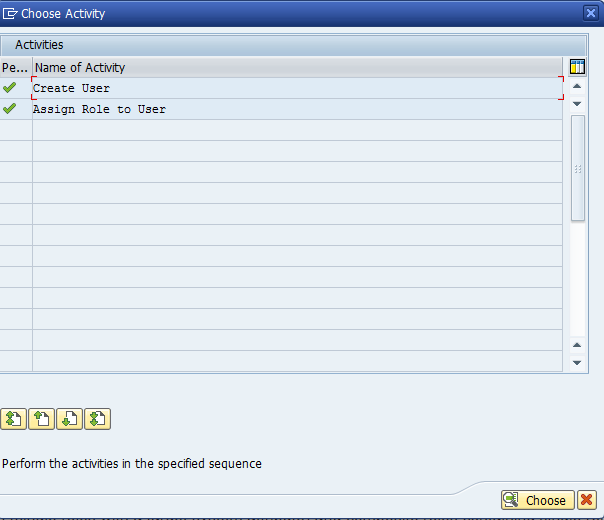
Execute task "Assign Roles to the Technical User"
-
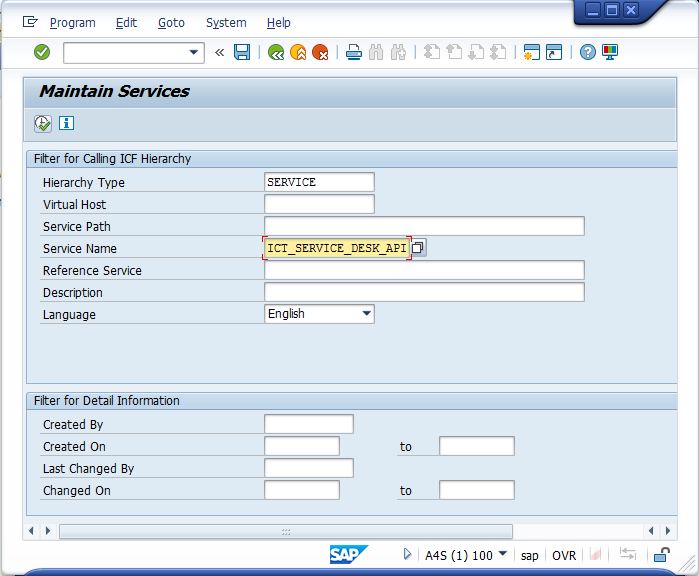
Execute task "Activate Service"
-
Execute task "Configure Service Provider"